- Version 2.0
- Download 12947
- File Size 12.96 MB
- File Count 1
- Create Date 20 September 2018
- Last Updated 4 January 2026
360 Youtube Downloader
Key Features
- Lightning-fast multistream downloads for single videos, playlists and full channels.
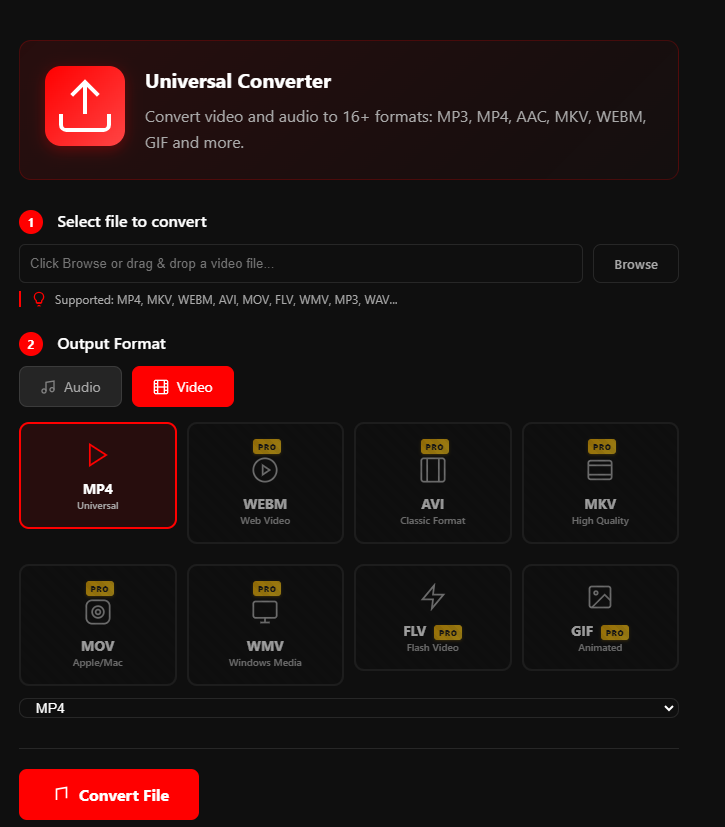
- Auto Converter: automatic conversion after download to MP3, MP4, 3GP, MPEG, AVI and more.
- Batch & playlist support: download entire playlists or multiple videos at once.
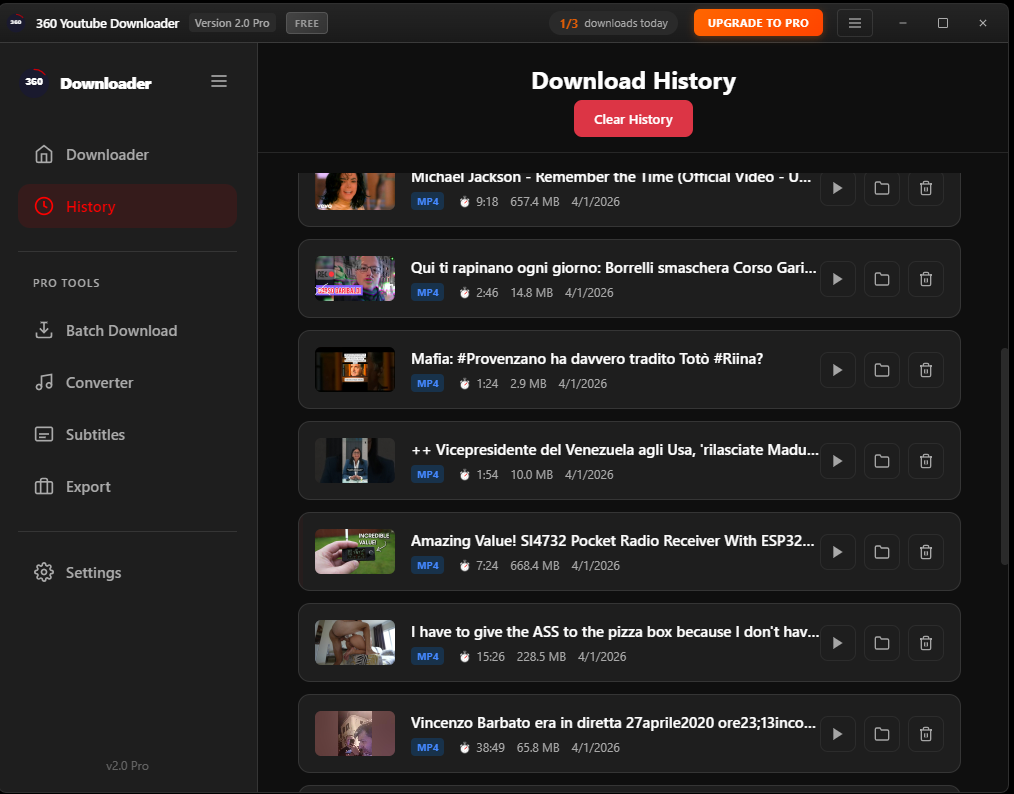
- Offline playback: save media to watch anywhere, even without internet.
- Auto-catch links: copy a link and the app detects it automatically.
Supported Formats
Convert to MP3, MP4, 3GP, MPEG, AVI and popular audio/video formats — optimized for device compatibility.
How to Use
- Copy a YouTube video, playlist, or channel link.
- Open 360 YouTube Downloader and click Paste Link (or enable Auto-catch).
- Choose format & quality, then click Download.
- The app can automatically convert downloaded files to your chosen format.
Why Choose 360 YouTube Downloader
- Reliable downloads with minimal setup.
- Fast multi-threaded transfers reduce wait time.
- Built-in conversion saves steps — download and convert in one go.
- Perfect for creators, educators, and offline listeners.
FAQ
Q: Can I download full playlists?
A: Yes — playlists and channels are supported with batch download options.
Images & resources courtesy of SoftEdition. For purchase, updates and support visit the official SoftEdition site.