
Is your computer slow, freezing, or crashing? Fix registry errors, disable startup apps, and boost Windows performance with the ultimate CCleaner alternative.
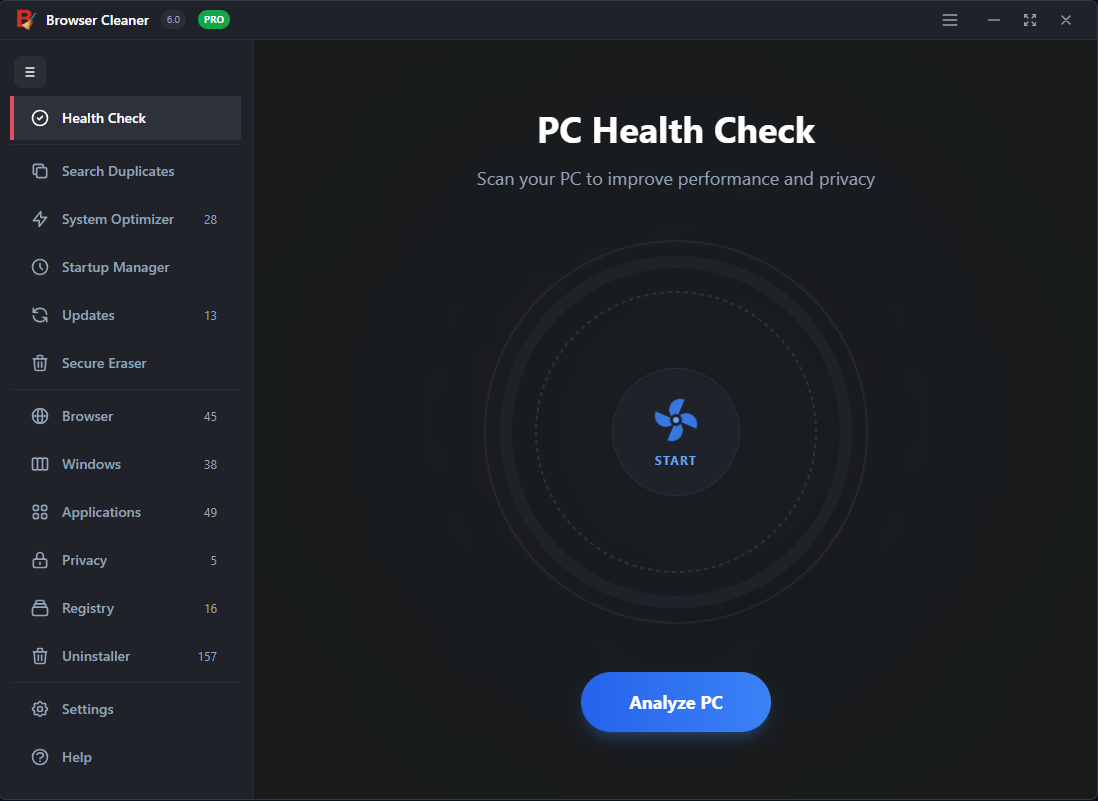
Go beyond simple cleaning. Optimize the core of your Windows operating system for maximum stability and speed.
Scan and repair broken registry items that cause system crashes, blue screens, and error messages. Keep your PC stable.
Stop unnecessary programs from launching when you turn on your computer. Reduce boot time by up to 50% instantly.
Find and remove gigabytes of hidden junk files, temporary data, and old Windows update files that waste your valuable disk space.
While other tools just delete temporary files, our PC Speed Up utility uses advanced heuristics to identify performance bottlenecks that others miss. We prioritize safety and speed.
Unleash the full power of your hardware. Our software optimizes Windows settings to prioritize active applications, giving you smoother gaming and faster productivity.
Common questions about PC optimization.