
Browser Cleanup
Scanning for Toolbars & Adware...

Ultimate Browser
Cleanup Tool

Is your browser slow or hijacked? Remove annoying toolbars, adware, and unwanted extensions instantly. Reset Chrome, Firefox, and Edge to their original speed.
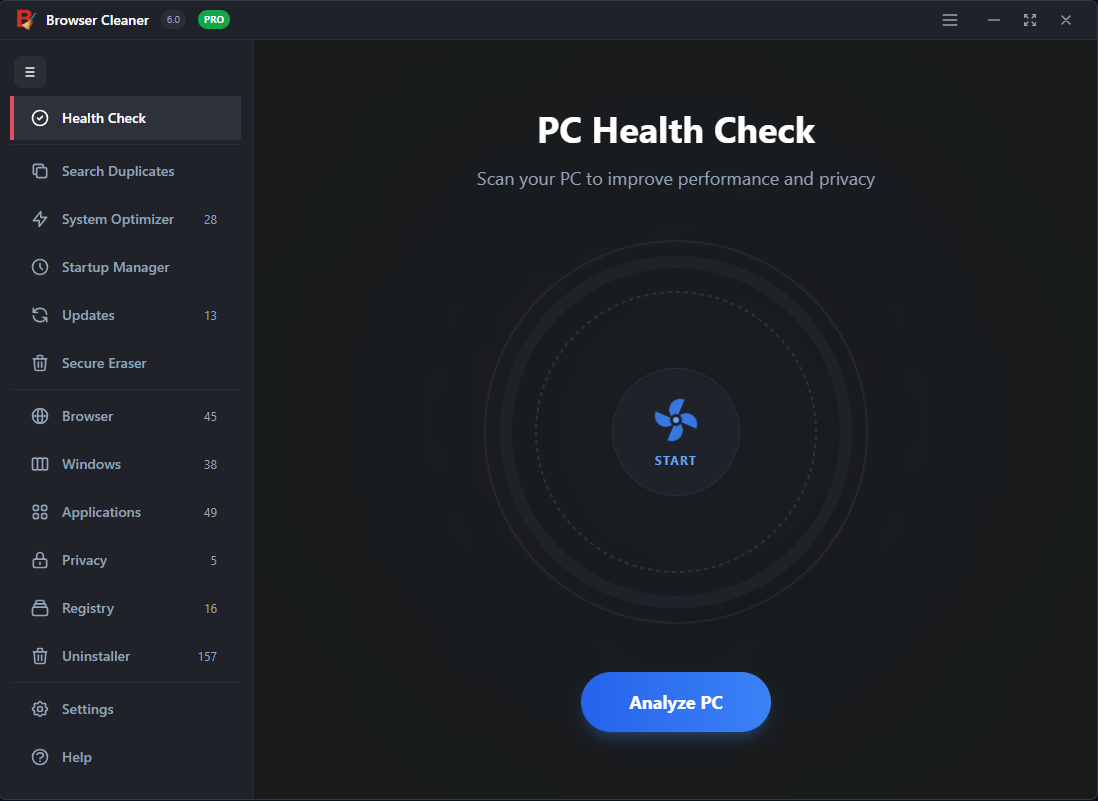
Compatible with Windows 11, 10, 8, 7
Browser Cleanup Interface
Adware Removed
Settings Reset

Restore Your Browser's Health

Don't let unwanted software control your browsing experience. Take back control today.

Remove Toolbars

Automatically detects and removes malicious toolbars and browser hijackers that change your homepage or search engine.

Delete Adware

Eliminate annoying pop-ups, redirect viruses, and ad-injectors that slow down your surfing and compromise privacy.

Reset Settings

One-click reset for Chrome, Firefox, and Edge. Restore default settings without losing your bookmarks or saved passwords.

Why Your Browser is Slow

Over time, browsers accumulate junk files, corrupt cache, and malicious extensions. This "digital rot" causes crashes, slow loading times, and security vulnerabilities.

Detects Hidden Extensions
Clears Corrupt Cache
Fixes Browser Errors
Slow Browser Analysis

Deep Cleaning Technology

Unlike standard history erasers, our Browser Cleanup tool digs deep into the Windows Registry and AppData folders to remove traces that standard uninstallers leave behind.
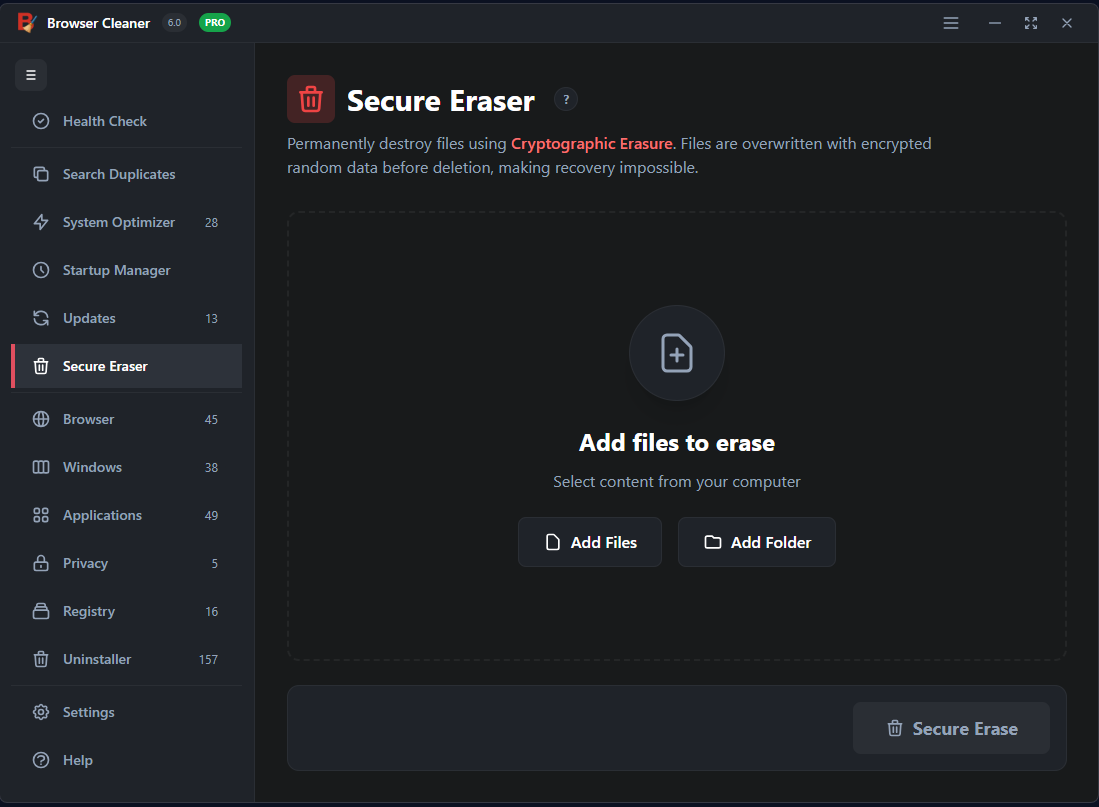
Registry Cleaning
Heuristic Scanning
Instant Speed Boost
Deep Cleaning Tech

Frequently Asked Questions

Common questions about browser cleaning and safety.

Will this delete my bookmarks?

No. Our smart cleaning algorithm is designed to remove only malicious items and junk. Your bookmarks, saved passwords, and important data are safe.

Can it remove the "Ask" toolbar?

Yes, Browser Cleanup is specifically designed to remove stubborn toolbars like Ask, Babylon, Conduit, and many others that are hard to uninstall manually.

Does it work with Google Chrome?

Yes, it fully supports Google Chrome, Mozilla Firefox, Microsoft Edge, Opera, Brave, and Internet Explorer.